How to use Skeumorphism-ds? A guide and documentation to using my design system

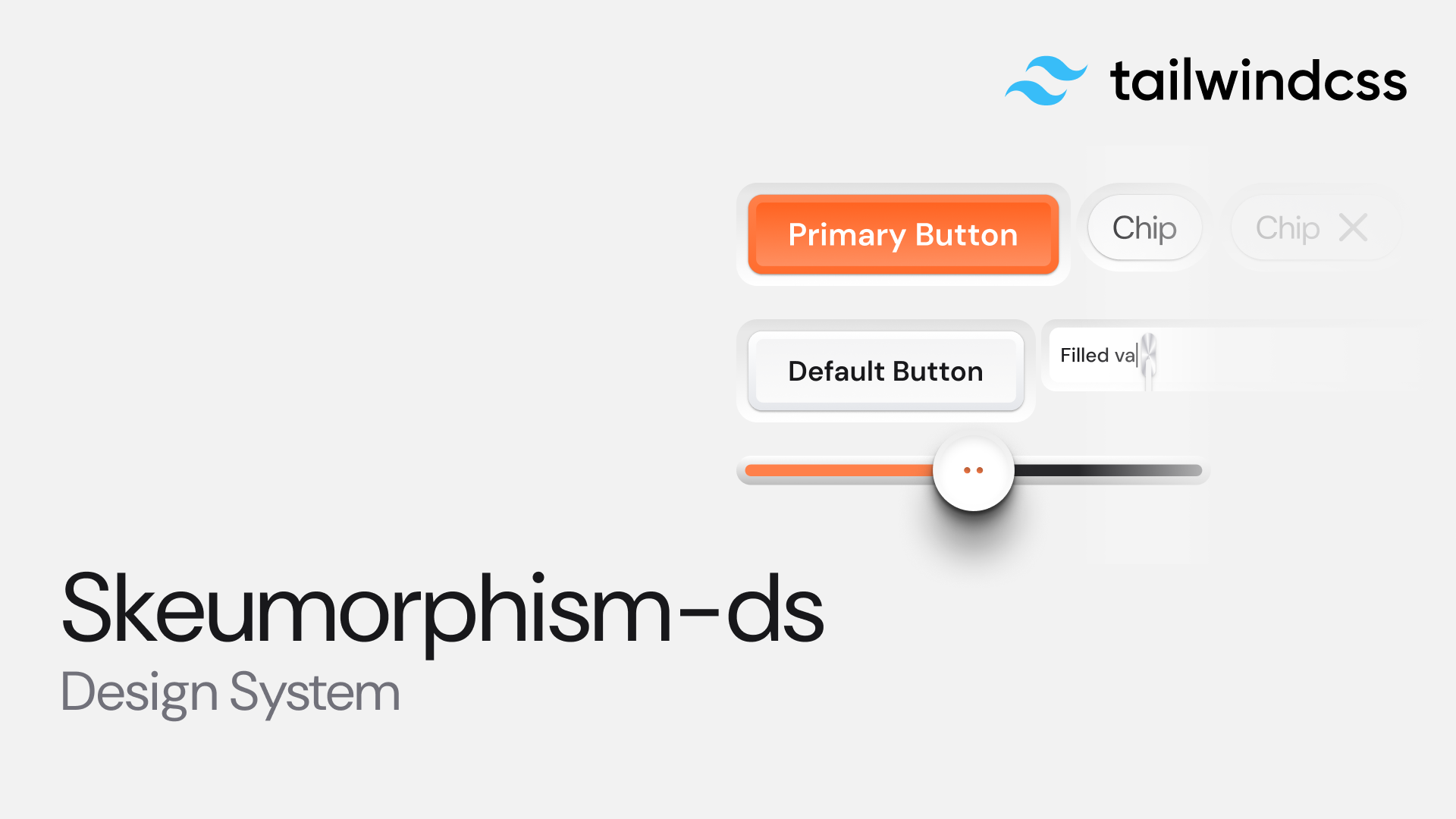
Skeuomorphism is making a comeback in design—blending realistic, tactile aesthetics with modern usability. If you’re someone who loves design systems that feel intuitive, stylish, and functional, Skeumorphism-ds is the perfect toolkit for you.
In this guide, we’ll explore what Skeumorphism-ds is, how to install it, and how to use its components to build elegant interfaces.
Prerequisites
Things you will require first:
- A React Js or Next Js project enviroment
- Tailwind (optional)
- Good design knowledge
🔍 What is Skeumorphism-ds?
Skeumorphism-ds is a React-based design system that helps you build modern skeuomorphic interfaces with ease. Instead of flat, minimalistic visuals, it offers soft shadows, layered textures, and depth effects—making UI elements look real, tactile, and touch-friendly.
Think of it as a shortcut to designing neumorphic/skeuomorphic apps without reinventing the wheel.
⚡ Getting Started
Step 1: Install the Package
To begin, install Skeumorphism-ds in your project:
Copynpm install @shirishcreates/skeumorphism-ds
or with Yarn:
Copyyarn add @shirishcreates/skeumorphism-ds
Step 2: Import the stylesheet
You will need to import the stylesheet with all the tokens and fonts loaded onto your project.
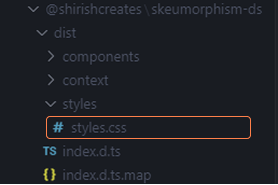
Importing Stylesheet
Or
You can simply copy and paste this code in your _app.tsx file:
Copyimport"@shirishcreates/skeumorphism-ds/styles.css";
Step 3: Use the components
Now easily just import the component you want into your code:
Copyimport {IconButton, Button, Scrubber, Input} from"@shirishcreates/skeumorphism-ds"
View the components here